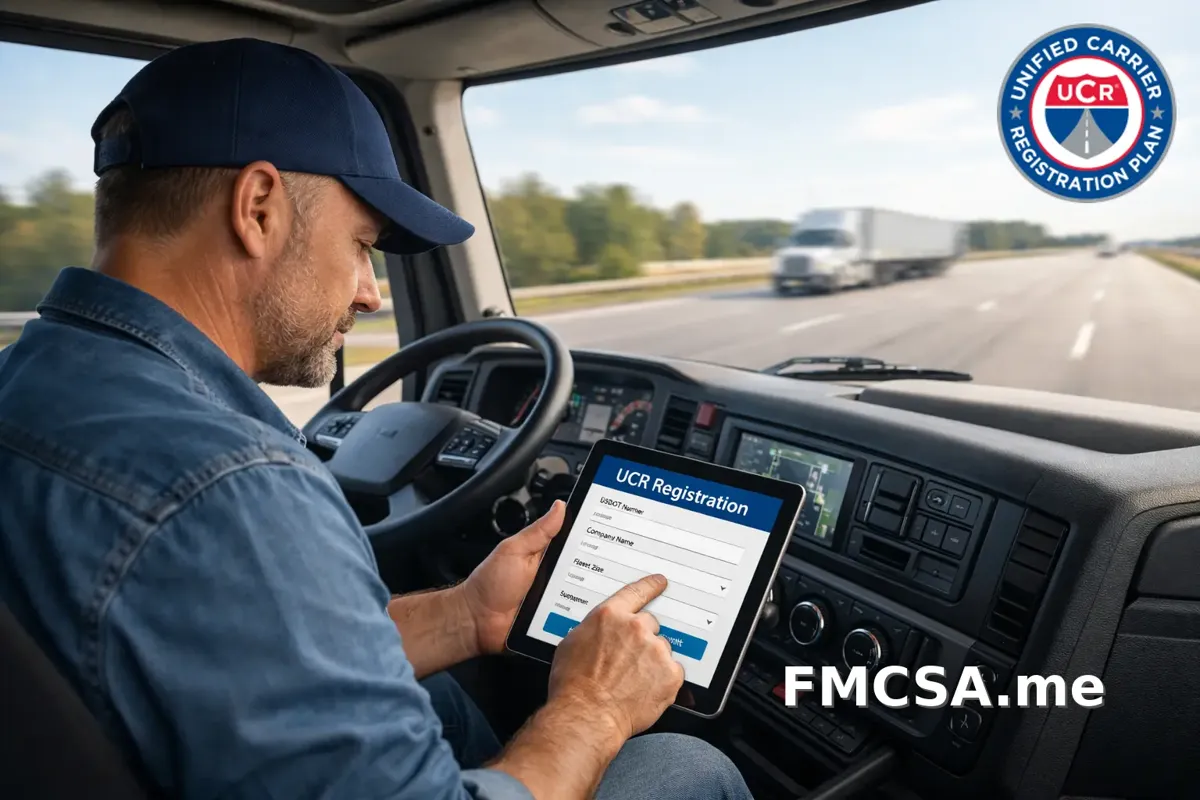
Step-by-Step: How to Register for UCR in Under 10 Minutes
If you operate a trucking business across state lines, you’re required to complete the Unified Carrier Registration (UCR). The process takes less than 10 minutes if you follow these clear steps.
What You Need Before You Start
To avoid delays, gather the following:
- Your USDOT number
- Legal business name and contact details
- Total number of commercial vehicles in your fleet
- A valid payment method
Having this ready ensures a smooth, uninterrupted registration.
Step 1: Access a Trusted UCR Registration Portal
Start by choosing a reliable registration service. While you can use multiple platforms, not all are equal in terms of speed, support, and accuracy.
Step 2: Enter Your USDOT Number
Once on the platform, input your USDOT number. Your business details will usually auto-populate, saving you time and reducing errors.
Double-check:
- Business name spelling
- Address
- Operating status
Step 3: Confirm Fleet Size
Your UCR fee is based on fleet size. Select the correct number of vehicles you operate.
Important: Underreporting can lead to penalties, while overreporting means overpaying.
Step 4: Review Your Registration Details
Before submitting, carefully review:
- Business information
- Fleet count
- Fee amount
This step helps you avoid costly mistakes that can delay compliance.
Step 5: Make Your Payment
Complete your payment using a secure method. Once processed, your UCR registration is typically active immediately or within minutes.
Why Choose Us for UCR Registration?
Choosing the right service can make the difference between a 10-minute process and a frustrating experience.
FMCSA.me is designed for truckers seeking speed and accuracy. It offers a streamlined interface, auto-fills information, and reduces errors for a hassle-free experience.
Our support team understands trucking regulations and resolves issues quickly, so you avoid mistakes and stay compliant without stress.
Register for your UCR now to stay compliant and save time.