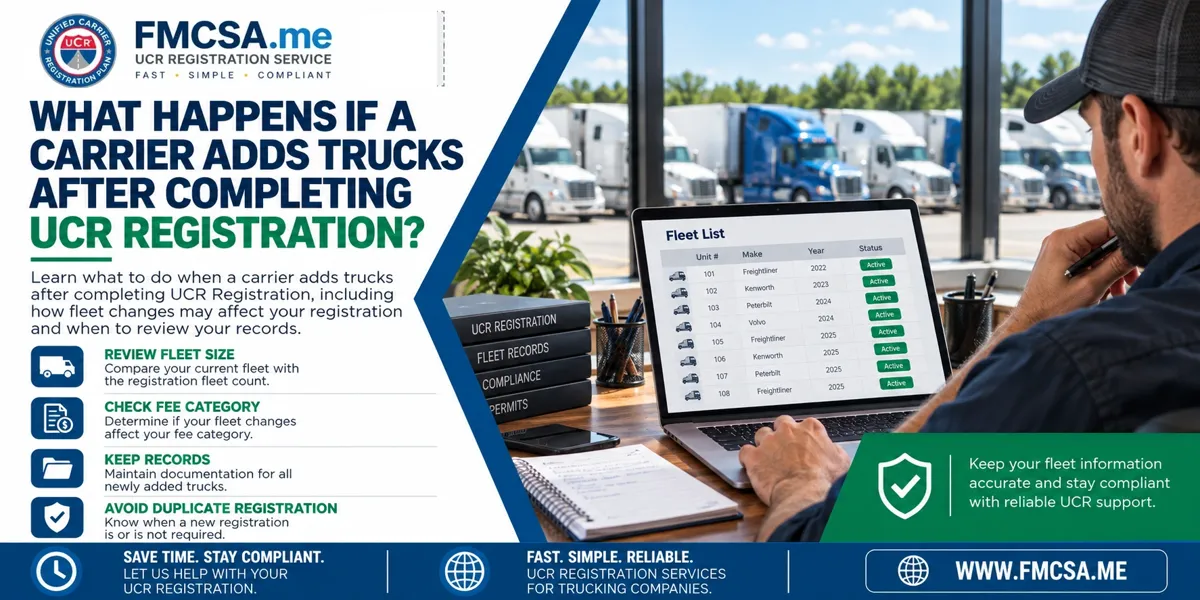
What Happens If A Carrier Adds Trucks After Completing UCR Registration?
Table Of Contents
-
Introduction
-
Why Adding Trucks Can Raise UCR Questions
-
Review The Fleet Size Used For Registration
-
Determine Whether The New Trucks Change The Fee Category
-
Keep Your Registration Records Updated
-
Do You Need To Register Again?
-
What If Several Trucks Are Added?
-
Avoid Using Outdated Fleet Information
-
Keep Documentation For Future Reviews
-
Common Mistakes To Avoid
-
Why Many Trucking Companies Choose Our Service
-
FAQ
Introduction
A carrier's fleet can change after the annual UCR Registration has already been completed. A company may purchase additional trucks, expand operations, or bring more vehicles into interstate service during the year.
When this happens, carriers often wonder whether they need to submit another UCR Registration or pay an additional fee.
Adding trucks does not automatically mean a new annual registration is required. The important issue is understanding how the carrier's fleet is counted for the applicable UCR Registration period and keeping accurate records of the vehicles and operations.
Why Adding Trucks Can Raise UCR Questions
UCR fees are based on the number of commercial motor vehicles associated with an interstate operation. Because that number can change during a year, a growing carrier may wonder whether adding vehicles changes its existing registration.
The key is to distinguish between the fleet information used when the annual registration was completed and later changes to the business.
A carrier should review the rules that apply to the relevant registration year rather than automatically assuming every newly acquired truck requires a separate registration.
Review The Fleet Size Used For Registration
Start by reviewing the information used when the original UCR Registration was submitted.
Check the vehicle count, registration year, and records used to determine the applicable fee category. Then compare that information with the carrier's current fleet.
Keep a clear internal record showing when additional trucks were acquired and when they began operating as part of the company's interstate fleet.
This makes it easier to explain why the fleet changed after the annual registration was completed.
Determine Whether The New Trucks Change The Fee Category
Adding vehicles can become more important when the carrier's fleet moves into a different fee category.
For example, a company that was operating a smaller fleet when it completed UCR Registration may later add enough vehicles to place the business in a different bracket under the rules for that registration year.
When the fleet changes significantly, review the applicable requirements rather than assuming the original fee category remains correct.
Keep Your Registration Records Updated
Even when a newly added truck does not require another annual registration, the carrier should maintain accurate business records.
Record the date each vehicle was added, the vehicle identification information, and when the truck entered the company's operations.
Good records help the carrier track fleet growth and make future UCR Registration calculations easier.
They also help dispatch, compliance staff, and management work from the same information.
Do You Need To Register Again?
Adding a truck does not automatically mean that the carrier should purchase another UCR Registration for the same registration year.
The carrier should first determine whether its existing annual registration continues to cover the business and whether the increased fleet size affects the applicable fee category.
Do not create a second registration simply because another truck was added. Duplicate registrations can create unnecessary administrative confusion.
When the fleet change could affect the annual fee category, review the situation before taking action.
What If Several Trucks Are Added?
A major fleet expansion deserves a more careful review.
If a carrier adds multiple trucks after completing UCR Registration, calculate the current fleet count and compare it with the count used during the original registration.
The larger the change, the more important it becomes to verify whether the company's registration status and fee category still align with the applicable requirements.
This is especially useful when the carrier adds vehicles through a rapid expansion or acquisition.
Avoid Using Outdated Fleet Information
One common mistake is continuing to rely on the fleet count from an old spreadsheet or internal system.
When trucks are added, make sure the company's compliance records are updated. Keep the current fleet list separate from historical registration records so employees can easily tell which information was used for the original filing.
Accurate internal records reduce confusion when the next annual UCR Registration period begins.
Keep Documentation For Future Reviews
Keep purchase records, fleet lists, registration confirmations, and other documents showing when vehicles were added.
If questions arise later, the carrier can use these records to explain the timing of the fleet change and how the company's vehicle count evolved.
Documenting the change also makes the next annual registration process faster because the carrier will already have an organized fleet history.
Common Mistakes To Avoid
Buying A Second Registration Automatically: Adding trucks does not automatically mean another annual registration is required.
Ignoring A Large Fleet Increase: A significant change can affect the applicable fee category and should be reviewed.
Using An Old Vehicle Count: Keep the current fleet list accurate.
Losing Acquisition Records: Document when new trucks were added and when they entered operations.
Waiting Until The Next Filing: Review a major fleet change when it occurs instead of relying on assumptions.
Mixing Historical And Current Records: Clearly separate the fleet information used for prior registrations from the current fleet.
Why Many Trucking Companies Choose Our Service
Many trucking companies choose FMCSA.me because fleet growth can make annual compliance tasks more complicated.
Our service helps carriers save time by simplifying UCR Registration, reducing paperwork issues, and providing practical assistance when fleet information needs to be reviewed. Fast processing and dedicated customer support can help carriers understand what information should be updated and keep their registration process organized.
As a company grows, having reliable registration assistance can make it easier to manage fleet changes, maintain documentation, and prepare for future registration periods.
Complete Your UCR Registration Today
FAQ
Does Adding Trucks Automatically Require A New UCR Registration?
Not necessarily. Review the applicable registration-year requirements and determine whether the increased fleet changes the fee category or another registration requirement.
Should I Update My Fleet Records When Trucks Are Added?
Yes. Keep an accurate record of each vehicle and when it became part of the company's operations.
What If My Fleet Moves Into A Higher Fee Category?
Review the requirements for the applicable registration year before assuming the original registration remains sufficient.
Can I Purchase Another Registration Just To Be Safe?
Do not automatically submit a second registration. First determine whether the existing registration remains appropriate and whether any additional action is required.
What Records Should I Keep?
Maintain fleet lists, acquisition records, registration confirmations, and other documentation showing when vehicles were added.
When Should A Carrier Review A Major Fleet Increase?
Review it when the expansion occurs, especially when several trucks are added or the fleet may move into a different fee category.
For more information, visit the Unified Carrier Registration Plan.